




















Boost Design Team Collaboration
Centralize your artwork database and enable your teams to share and collaborate from anywhere at anytime.
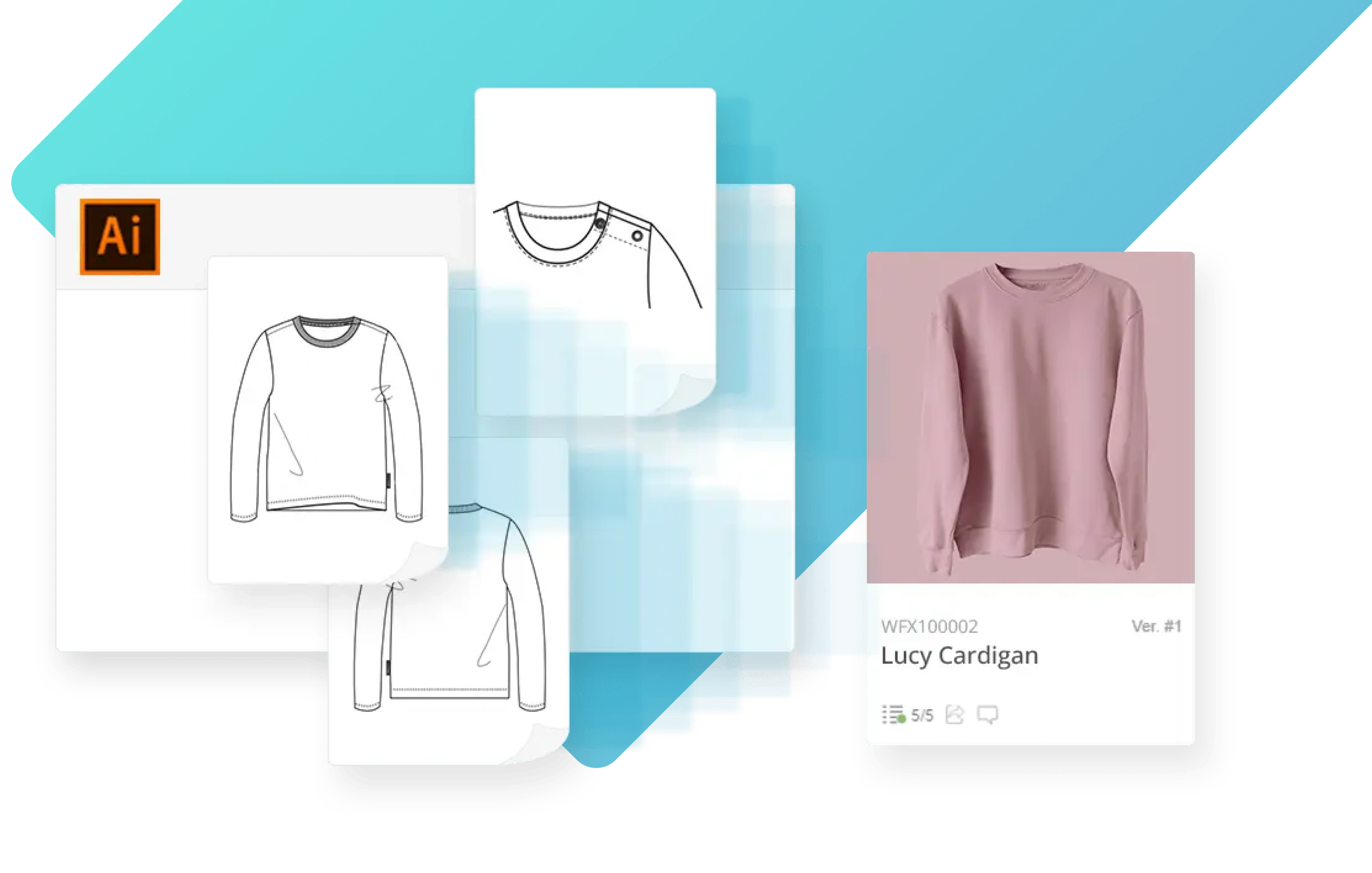
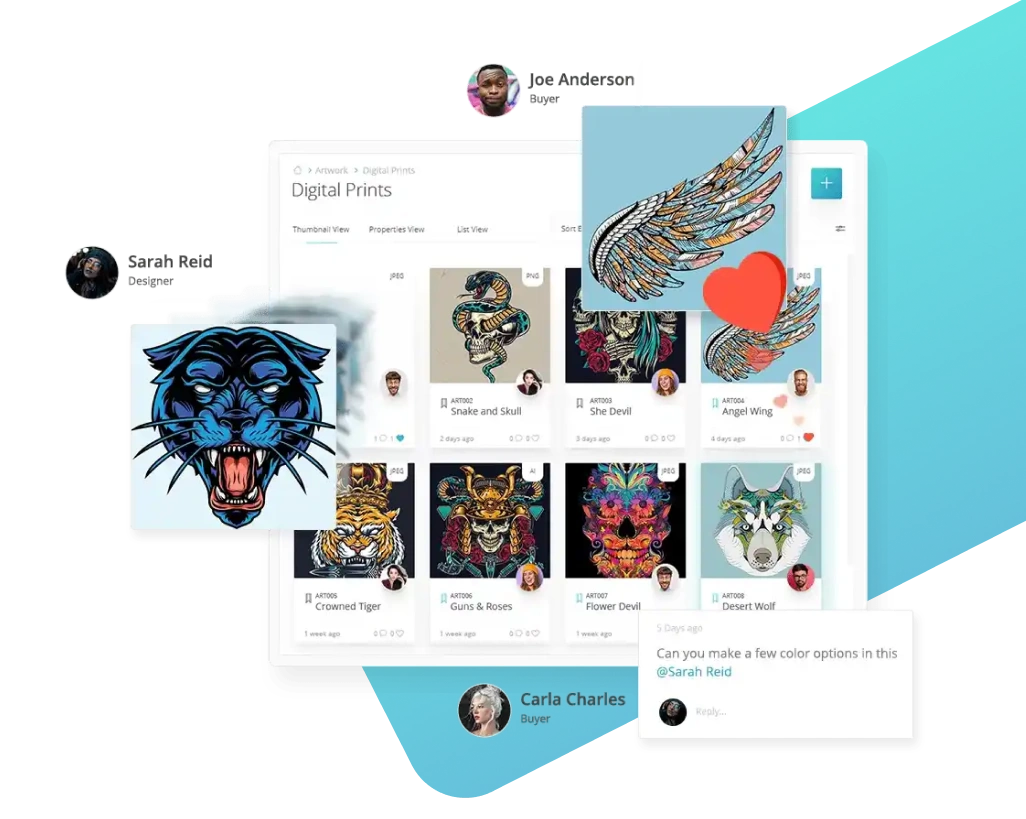
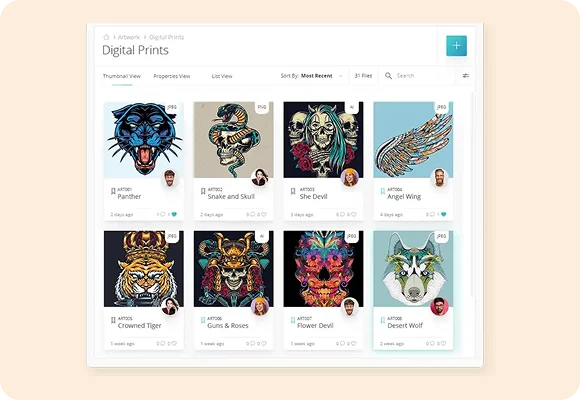
Centralize And Build An Artwork Library
Build a visual database of all your artwork (print, embroidery etc.) in WFX Artwork Gallery Software so you can centralize and share it across your design team. Create Tags (e.g. lace, polka dot) for each fashion art so it can be searched and indexed.

Store Large Artwork Files
In WFX Fashion Artwork Software manage files of all sizes. Intricate artwork files can be 100s of Megabytes making them difficult to maintain, store and share. Use expandable storage to store even your largest artwork files.
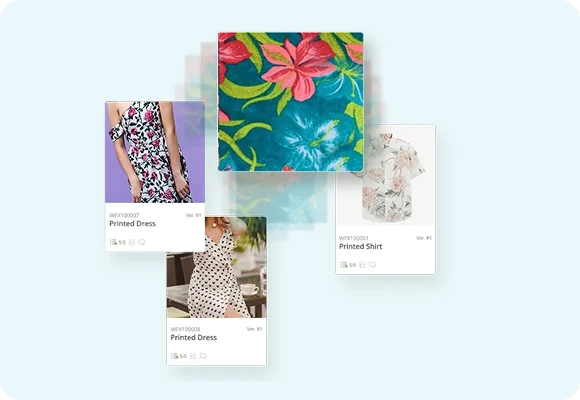
Use Artwork Across Products
Save duplication and manual effort by linking an artwork file with all the products that use it. Pick any artwork across your library and use the "where used" function, to view all products it's used in.

Manage Artwork Versions
Take control of artwork revisions using Artwork Gallery Software. Ensure everyone works off the latest version and revert to an old version if needed. Automatically push artwork changes to products and leave no room for errors.
How many hours do you invest hunting for the right artwork file?
WFX PLM gives your team one shared artwork system that's searchable, version-controlled, and product-linked.
- Stop digging through folders and drives
- Know exactly where each artwork is used
- Never overwrite the wrong file again


Manage all artwork, without worrying about file size
Let your Fashion Artwork files be as big as your dreams. Cross-reference artwork across products and share them with vendors with ease.