








The Digital Apparel Revolution: What's Driving Fashion's Next Big Shift

Learn moreright arrow

Customer Orders

customer-orderscustomer orders
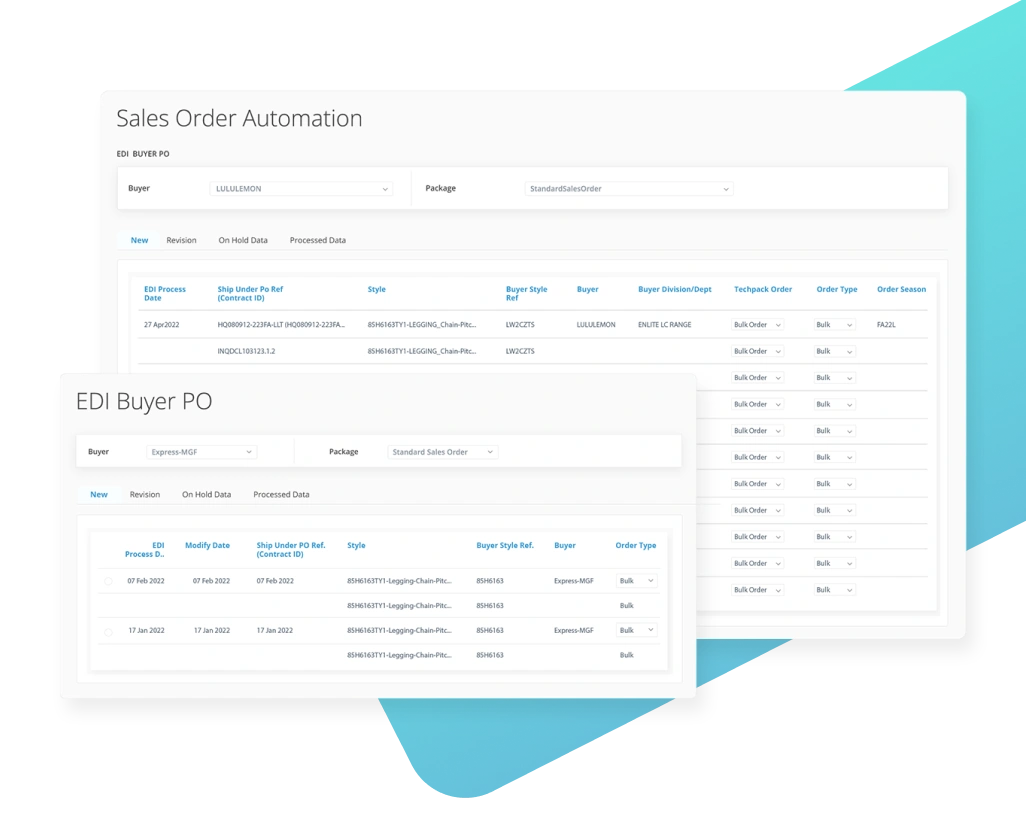
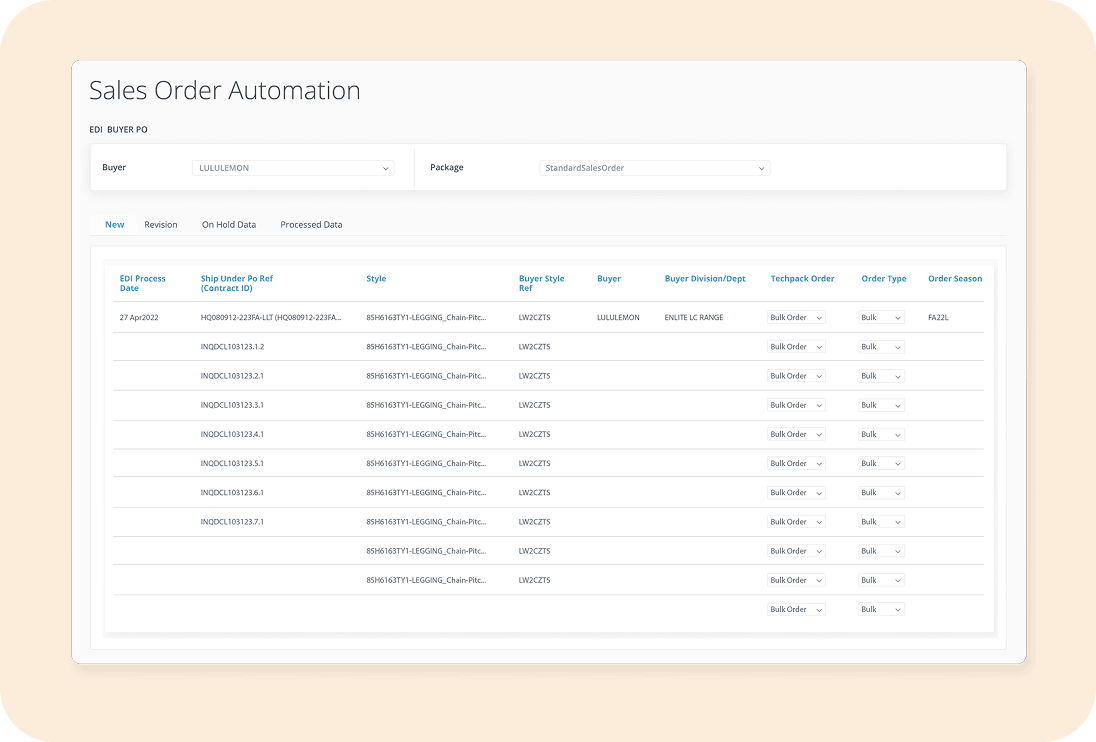
Sales Order Automation
  • bullet icon
    Track sales orders from order forecast to final delivery.
  • bullet icon
    Manage commitment orders. Create orders for material procurement & planning and subsequently add colors/size quantities and destinations later as they are known.
  • bullet icon
    Flexibility to manage & track orders with a variety of business cases.
  • bullet icon
    Automatically import orders in bulk by mapping files or manually import orders via excel.
  • bullet icon
    Simplify order revisions and cancellations.
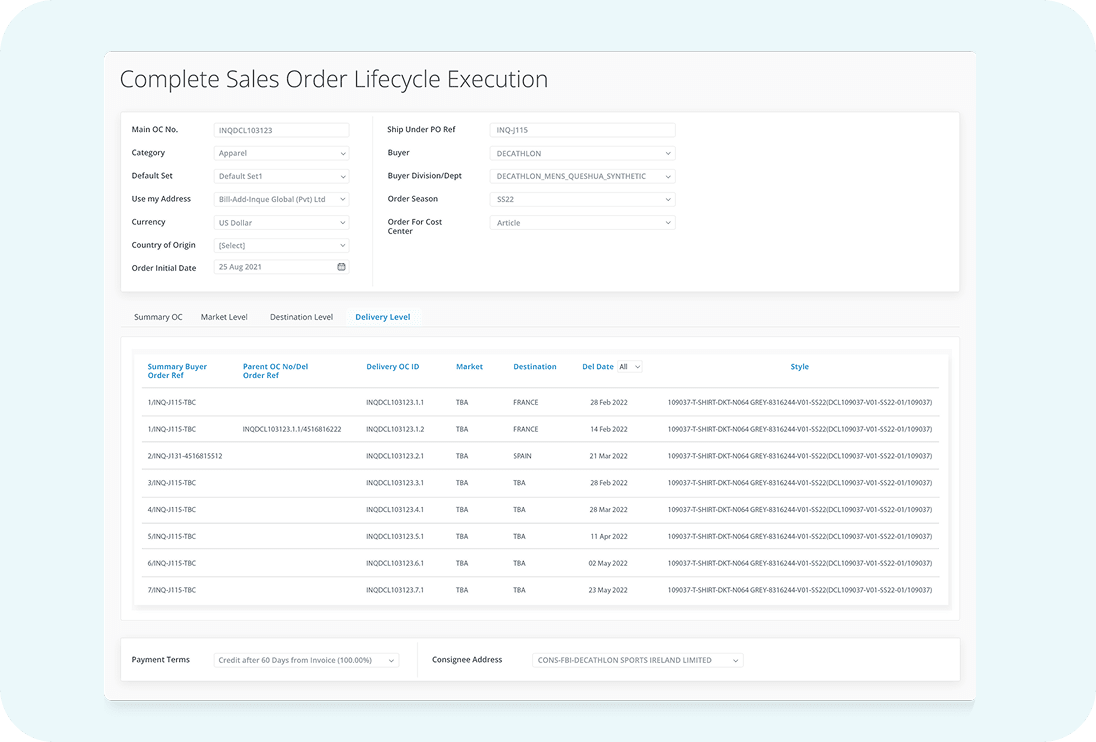
Complete Sales Order Lifecycle Execution
  • bullet icon
    Manage sales orders top down at multiple levels from Summary to Delivery including commitment orders (forward plan), multiple deliveries and multiple destinations.
Complete Sales Order Lifecycle Execution
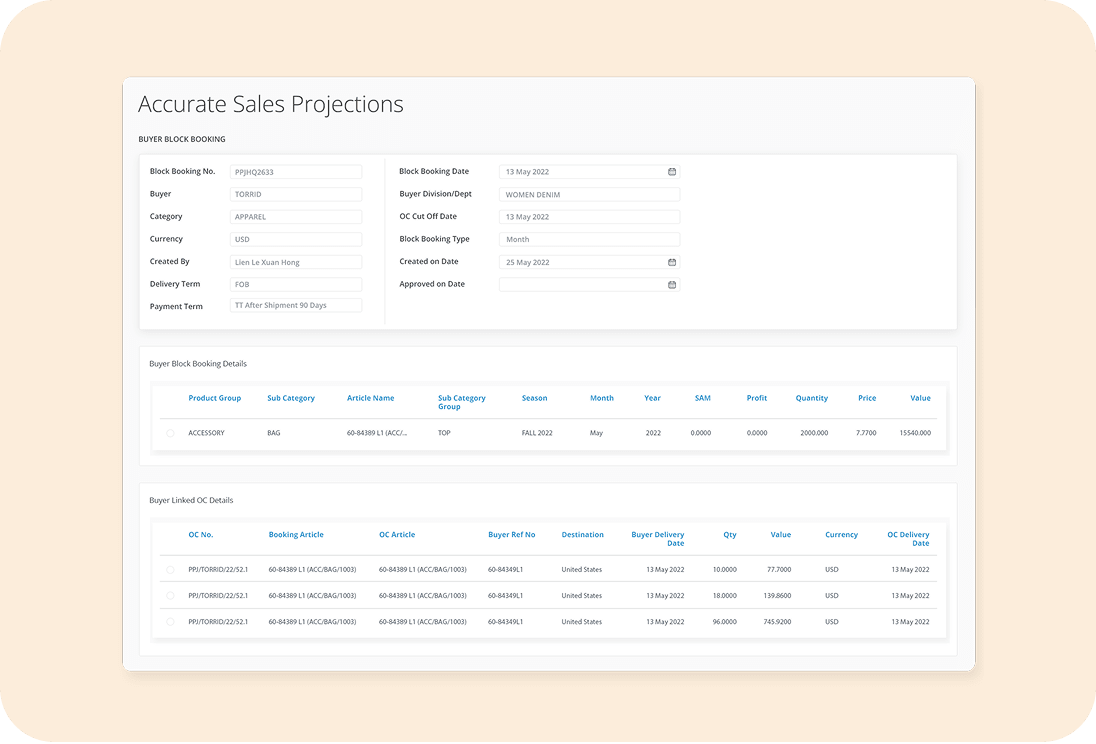
Accurate Sales Projections
  • bullet icon
    Manage sales projections by buyer, style, year.
  • bullet icon
    Link sales projections with actual confirmed orders and analyze sales projections vs actual confirmed sales orders.
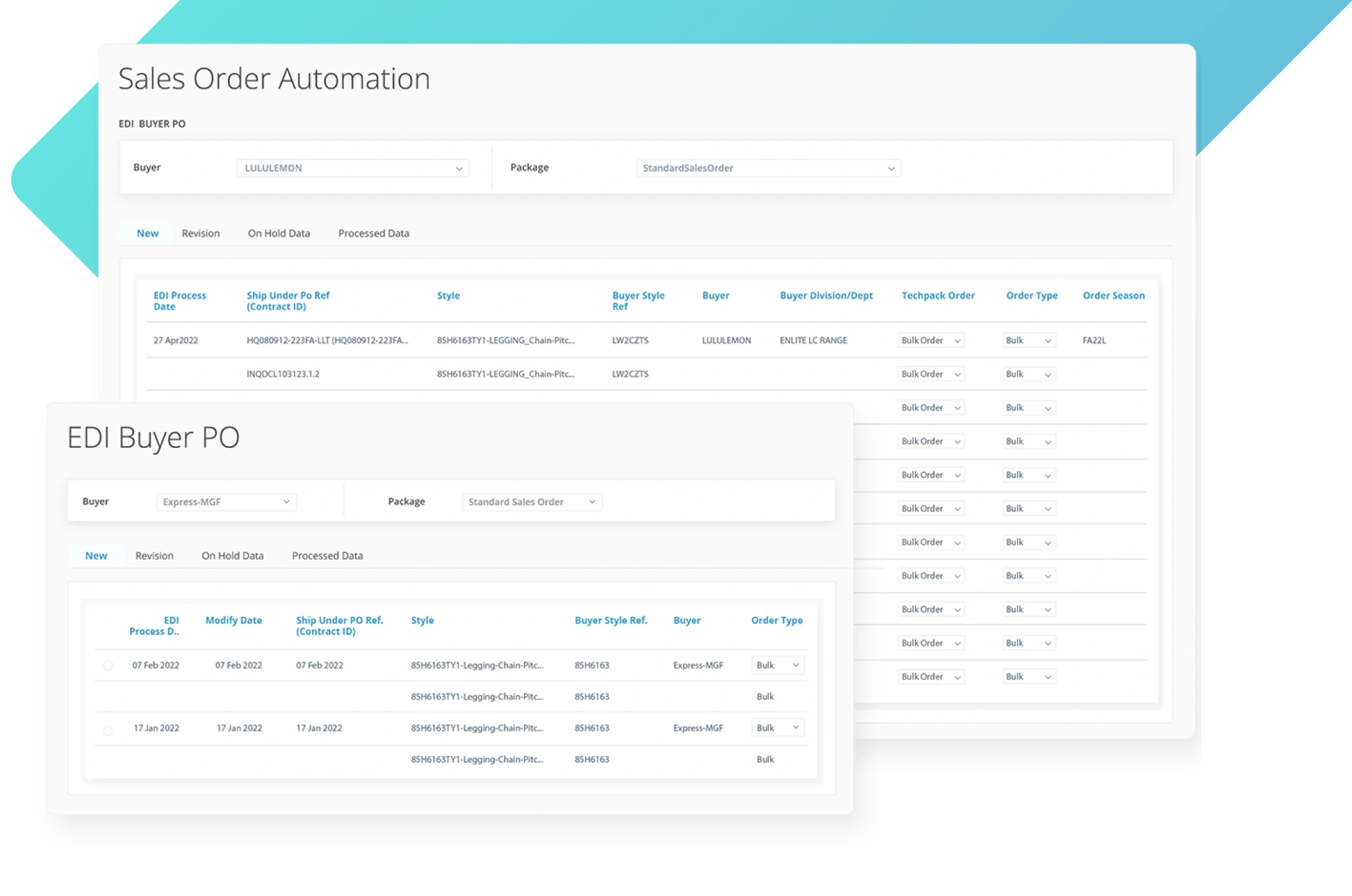
EDI
  • bullet icon
    Automate order creation and order revisions by integrating with EDI.
  • bullet icon
    Access library of pre-built order integrations with GT Nexus & other EDI standards.
EDI

What can you do with this module?

The Customer Orders module in WFX ERP offers a complete and integrated solution to streamline and automate your order management process. This allows you to manage every step of your order process—from forecast to final delivery—in one system, ensuring all data is aligned and up-to-date.

You can manage commitment orders, automatically import orders in bulk by mapping files or manually import orders via excel, and much more—all part of a system that is flexible enough to manage and track your company's most complex business cases.

The Customer Orders module also allows for simplified order revisions and cancellations, as well as automated order creation and order revisions that integrate with EDI. And the best part? You'll be able to link sales projections with actual confirmed orders, so you can analyze the difference between projected sales and actual sales.

In short, this module helps you manage the life cycle of your orders, so you never have to wonder about the status of a shipment again!

Why is the Customer Orders module important?
  • tick
    It will help you decrease order processing times by centralizing data tracking and automating processes.
  • tick
    It will enable you to increase order accuracy thanks to the elimination of manual data entry and integration with EDI.
  • tick
    It will free you from being dependent on customer quote requests and provides visibility to what is to be delivered, when and where.
  • tick
    It will allow the sales team to accurately understand demand and build a solid forecast based on real business data.
  • tick
    It will help strengthen your relationship with customers, boost order conversions and sales by simplifying order revisions and cancellations.

Are manual order processes slowing down your business?

WFX ERP helps you streamline sales orders by:

testimony

Delivery made simple. Order management, fully automated.

Let your customers place orders with ease and your teams execute with precision. Automate your entire order lifecycle while maintaining complete visibility.